With your consent, we send interaction data to Google Analytics and Mixpanel (both US-based) to understand how the site is used, and to Reddit and Meta to measure whether an ad brought you here. We never send the content of your custody or family law messages, and we never send your email address or phone number to an ad network. You can change this from the Cookie settings link in our footer.
Resources. Free, no account.
Take control of your evidence. Watch how this works, or ask the assistant anything.
Co-parenting apps help you communicate going forward. CustodyComms organizes the messages you already have, texts, emails, OFW, AppClose, TalkingParents, into one clear record you can hand to an attorney. Below: video walkthroughs of every step. There is also a free AI assistant trained on the product itself.
Ask me about organizing co-parenting messages, what a finished export includes, chain of custody, or how CustodyComms compares to other tools. I won't give legal advice or interpret your case.
Helps you prepare and organize message records. Not legal advice and not a substitute for an attorney. Your question is sent to OpenAI in the United States to generate a reply, and the conversation is kept for this session only.
Flagship guide · 15 min read
How to combine messages from multiple apps into one place
Step-by-step exports for WhatsApp, SMS, email, OurFamilyWizard, AppClose, coParenter, and any CSV. Most sections link to the platform’s own help page so you can verify each step at the source.
Which formats CustodyComms reads (TXT, MBOX, EML, CSV, PDF).
How to keep originals untouched while you build a clean record.
When CSV beats PDF, and what to do when your app isn’t listed.
Sources checked .
How this is different
The three questions everyone arrives with.
vs. screenshots
Screenshots work for a few messages. They stop scaling at thirty.
CustodyComms imports the original message data, texts, emails, app exports, not pictures of it. Timestamps, senders, and source files are preserved. Every file is hashed on import so any later question about modification has a documented answer.
They help you communicate going forward. We organize the messages you already have.
Co-parenting apps document new conversations on their platform. CustodyComms imports the years of history that lived elsewhere, iMessage, Gmail, OFW exports, AppClose, TalkingParents, into one chronology with chain of custody.
Enterprise capability for family law. No IT department required.
Tools like Logikcull and Relativity start at five figures a month and assume a litigation-support team. CustodyComms runs on your laptop, works the same day you install it, and keeps your messages on your machine.
From a pile of messages to a record your attorney can use.
Each step has a short walkthrough and the articles that go with it.
Step 01Import
10 sources
One timeline
Combine every source into one timeline.
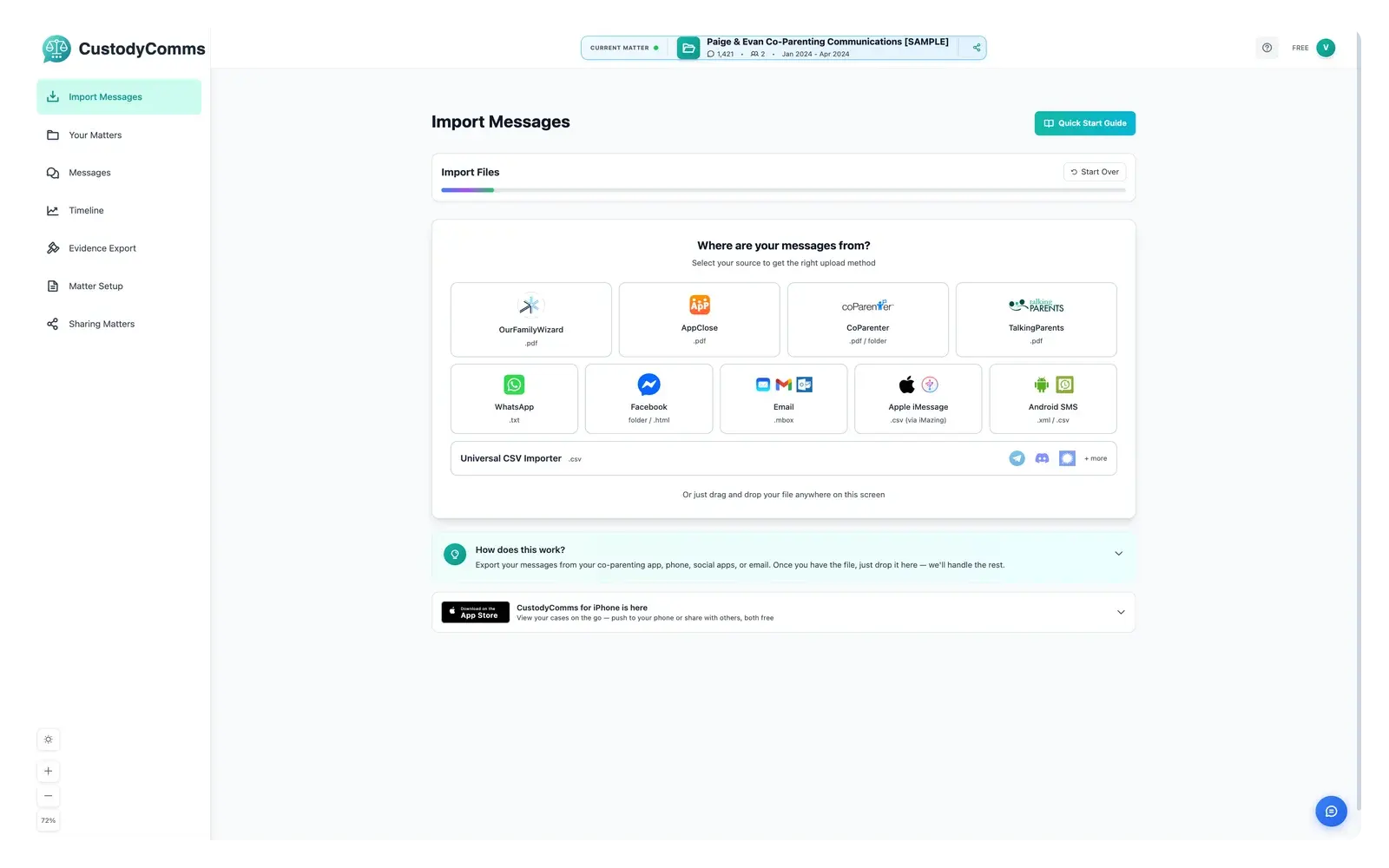
Drop in iMessage, Android SMS, Gmail, OurFamilyWizard, TalkingParents, AppClose, and more. CustodyComms reads each source on your computer, hashes the original file with SHA-256, and merges everything into a single chronological record.
No. Screenshots stop scaling at thirty messages. CustodyComms imports the original message data — not pictures of it — keeping each timestamp, sender, and source. Every source file gets a SHA-256 hash on import, so any later question about whether something changed has a documented answer.
CustodyComms imports an iMazing .csv export of your iPhone messages, the same way it imports a WhatsApp .txt chat export. Apple does not include a way to export iMessage conversations, so use a desktop tool that reads an iPhone backup, such as iMazing (Mac and Windows), and export the conversation as a CSV file. CustodyComms does not import iMazing's PDF or TXT exports.
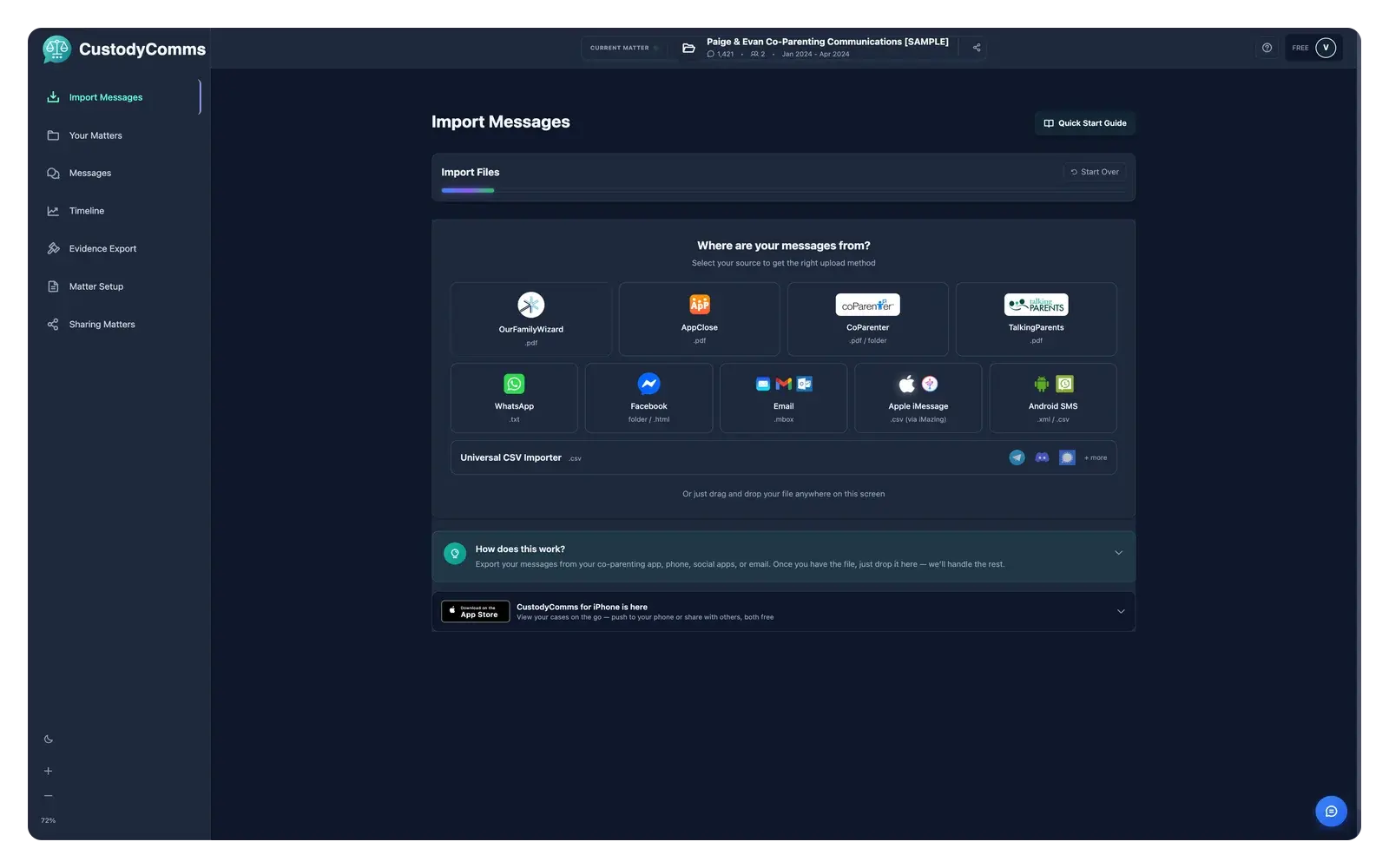
In the desktop app, click "Import Messages" in the left sidebar. Under "Where are your messages from?", click "Apple iMessage", then click "Choose File" and pick the .csv file. A group chat that iMazing labels with a group name, instead of a person, may not be imported. One-to-one conversations in the same file import normally.
Android imports use an XML backup file. CustodyComms reads the .xml file that the SMS Backup & Restore app creates. In the desktop app, click "Import Messages" in the left sidebar. Under "Where are your messages from?", click "Android SMS", then click "Choose File" and pick the .xml file.
Most matters span more than one source. CustodyComms imports each separately and merges them into one chronology keyed by the original timestamp. Filter by source ("only OFW") or by participant without losing the merged view. Each message keeps its source label and SHA-256 hash so you can always trace it back.
Most failures are one of three things: wrong file type (Android Backup AB vs. SMS Backup XML), a partial download (incomplete Gmail Takeout), or a timezone mismatch. The Import log names the failing line and the fix. Re-importing is safe — messages are keyed by source-id and timestamp, so duplicates dedupe automatically.
A date like 03/04/2024 is ambiguous: March 4th in US format, April 3rd in international format. CustodyComms scans your file for unambiguous dates (where one number is above 12, like 25/01/2024 or 3/20/2024) and auto-selects the right order when at least five of those exist. When every date is ambiguous, the import wizard asks you to choose between Month/Day/Year and Day/Month/Year before continuing. WhatsApp, TalkingParents, OurFamilyWizard, and AppClose all run through the detector; SMS/XML, MBOX, and coParenter use unambiguous timestamps and skip the prompt entirely. If you pick wrong, re-import with the other format — duplicate detection keeps things clean.
A consolidated guide to exporting your records from WhatsApp, Facebook Messenger, Gmail, Outlook, Android SMS, iPhone SMS, OurFamilyWizard, AppClose, coParenter, TalkingParents and any CSV. Most sections link to the platform's own help page. Then bring everything into one timeline you can search, filter, and document. The full guide renders on the article page.
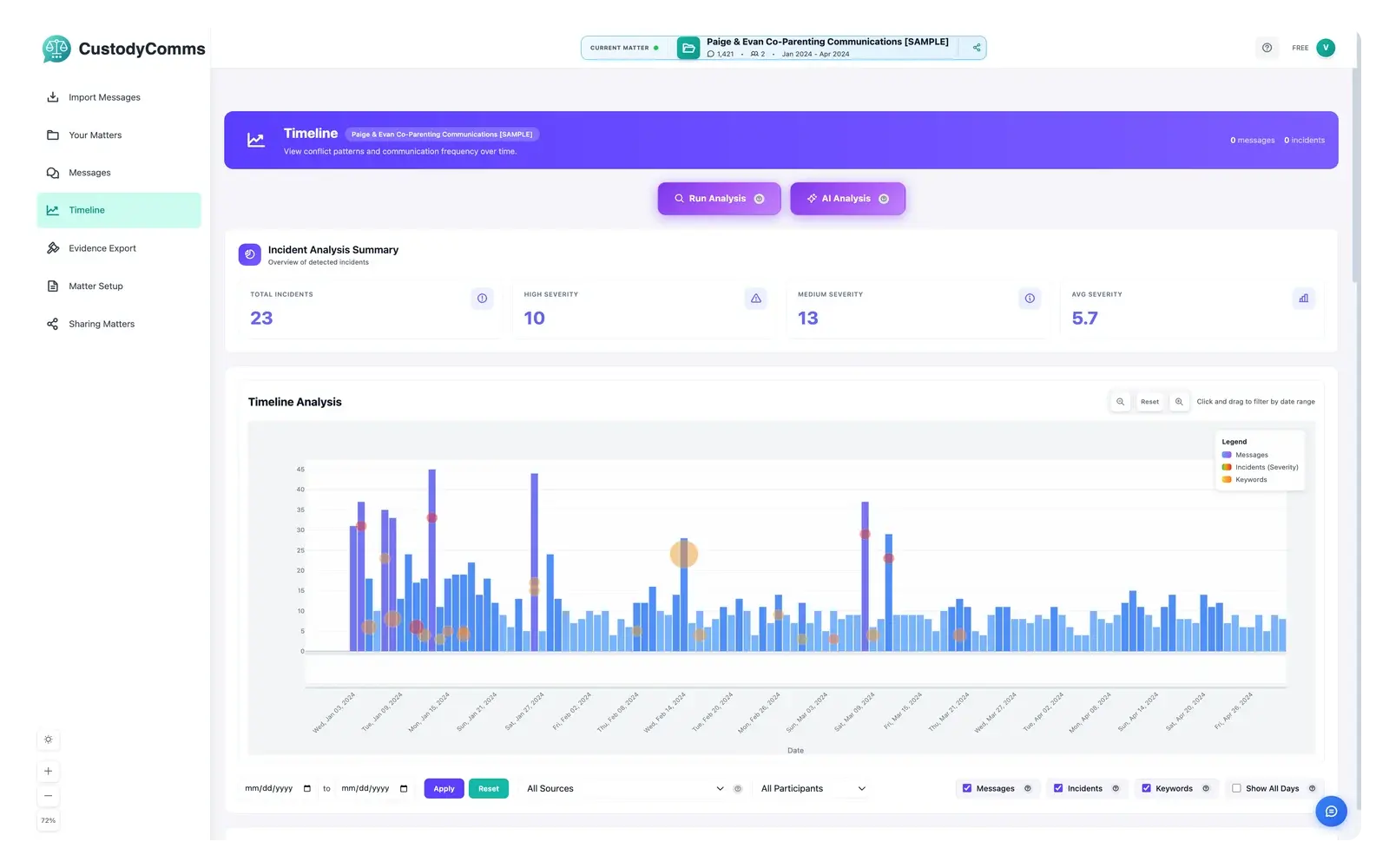
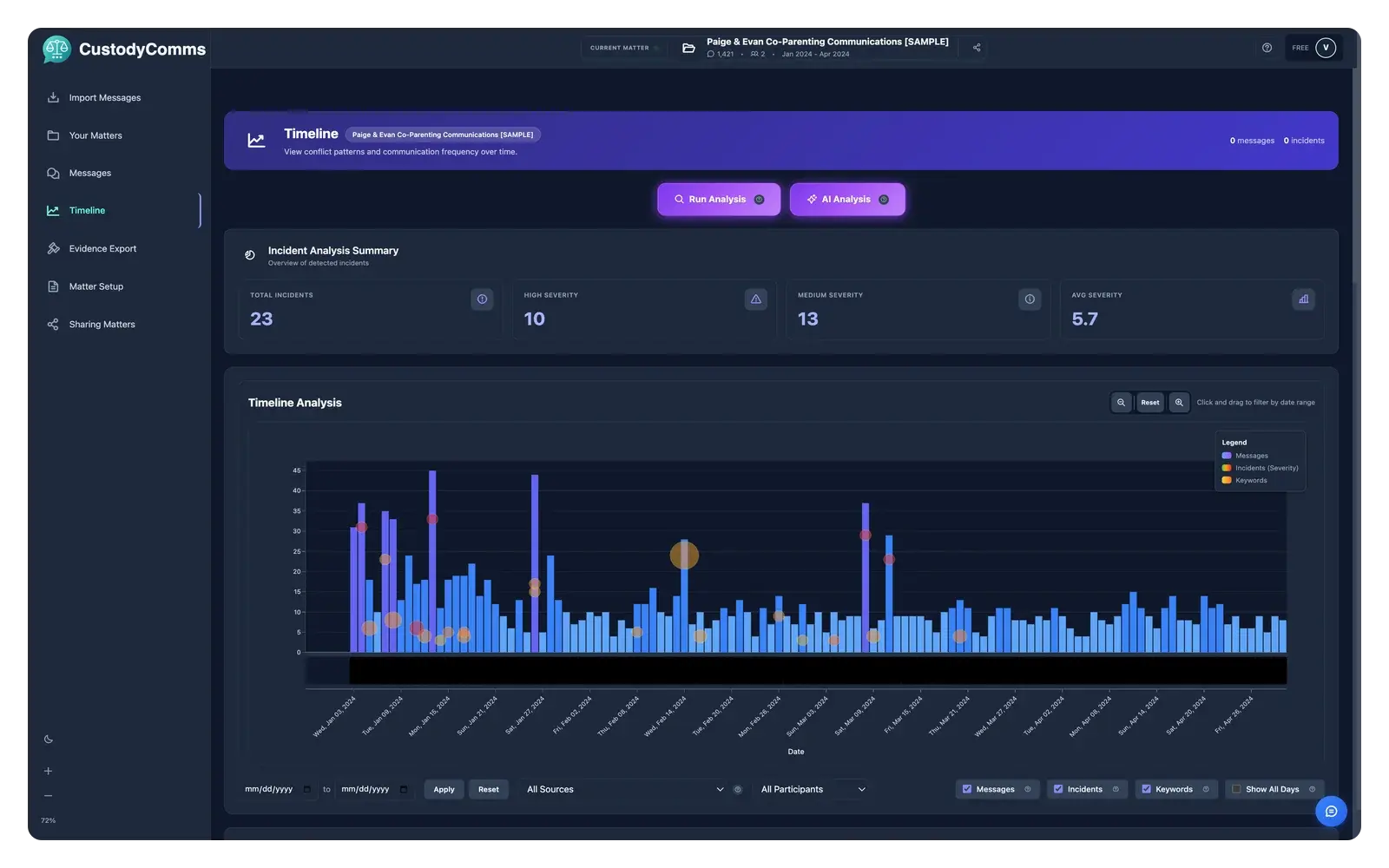
The Incident Finder reads the merged timeline and flags the patterns that matter, schedule changes, threats, escalation, long silences. AI Analysis then writes a neutral summary of each incident so you don't have to relive every word. Both run locally on your computer.
Eighteen categories cover the patterns common in custody matters: schedule disputes, pickup and drop-off issues, expenses, threats, coercive language, isolation attempts, substance references, and more. Each has documented detection rules in the app's Detection Reference panel. A single message can match multiple categories at once. Every flag tells you which rule fired so you can judge for yourself.
The Incident Finder reads your imported messages locally and surfaces the ones worth a second look. Eighteen categories from family law literature, four of them the Gottman patterns (criticism, contempt, defensiveness, stonewalling). It flags schedule disputes, escalation bursts, threatening language, unusual silences. It doesn't decide what matters legally — that conversation with your attorney just gets shorter.
John Gottman's research identified four communication patterns that predict relationship deterioration: criticism, contempt, defensiveness, stonewalling. They catch tone — not just what was said, but how. The Incident Finder runs Gottman detection alongside the 18 categories so a schedule-change thread also surfaces contempt if it's there. Methodology in the desktop app's Help menu.
Message Review is at custodycomms.com/try. Upload an exported conversation; no install and no account are needed to see a first result. It reads the export, finds the incidents, and writes them up.
On the Free tier you get one full Message Review a day, with 3 incidents written up; a second run the same day shows one incident, and the day turns over at midnight UTC. On either paid plan every incident is written up, with 500 Message Reviews a month.
What happens to your upload is the one place CustodyComms works differently from the rest of the product, and the Privacy Policy says so in these words: "The try-the-product demo (/try) is not local-first. It is the only feature where a complete conversation is uploaded to us and processed in readable form." The file's extracted text is sent to OpenAI, and we hold that text and the resulting report for up to 24 hours, unless you send the report to your phone, in which case we keep it until you delete it. The uploaded file itself is not kept.
If you do not want a conversation file processed on our servers, do not use the demo. The desktop app does not work this way: it reads your messages on your own computer.
Once an incident is flagged, AI Analysis writes a neutral one-paragraph summary so you don't reread the whole exchange. It names what happened, when, and which rules fired — no editorializing, no taking sides. Cloud AI calls OpenAI with store: false, which disables application-state storage there; it is not Zero Data Retention, and OpenAI may hold abuse-monitoring logs for up to 30 days under its standard API terms. API traffic is not used for model training. Free tier: 5 analyses/month. Evidence Edition: no monthly limit. A daily limit applies to cloud AI on every plan.
Each incident gets a 0 to 10 severity score. It is built from the categories a message matched and how heavily each one weighs, whether the wording is aimed at someone, length and capitals, and punctuation intensity; the incident's score then reads across the messages in it rather than taking any single one. The Gottman patterns are four of the categories, not a separate signal. It is a triage hint, not a verdict: a 9 means look at it before the 3s, not that it matters legally. Your attorney decides what is actually relevant.
Detection favors recall over precision — better to flag something benign than miss something important. Read the incident list as a triage order rather than a verdict: a high score means look at it first, not that it matters legally. Your attorney decides what is relevant.
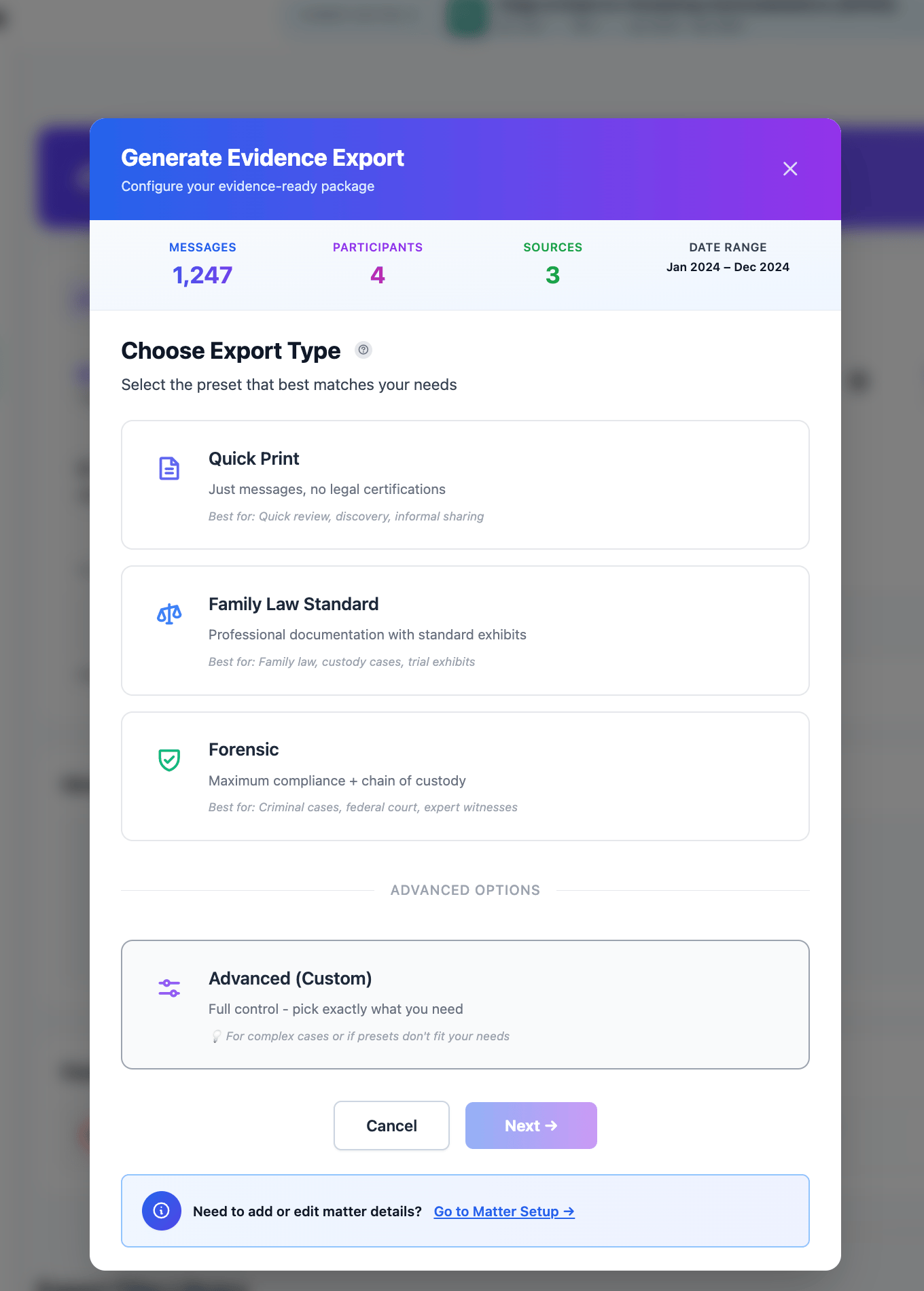
Pick a date range and an export preset. CustodyComms generates a Bates-numbered PDF, a SHA-256 manifest, and an FRE 902(14) certification template a qualified person can sign in-app. Each export records what it contains, no hidden inclusions.
An FRE 902(14)-structured export groups the records, their metadata, and a certification template. A qualified person (your IT professional, a forensic examiner, or another individual competent to speak to the integrity of the process) signs the certification. CustodyComms prepares the file layout; the signer completes the authentication.
In Export settings, set a prefix (often your case number or a party identifier) and a starting number. Numbering carries across message PDFs and attachments. A cover sheet records the full range for the opposing party.
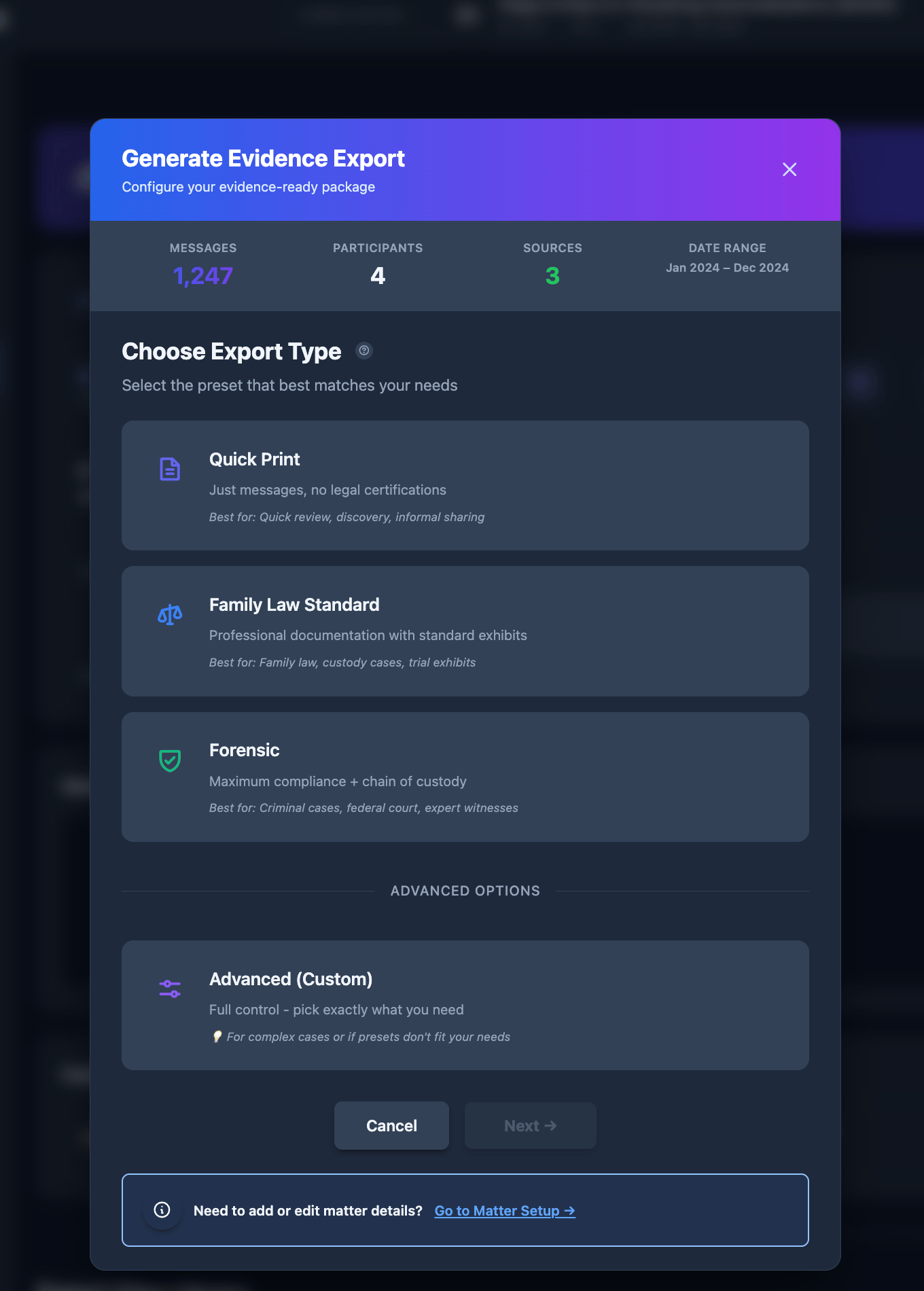
Three presets. Quick Print: a chronological PDF for first-meeting discussions. Family Law Standard: cover page, TOC, matter info, source verification, which is what attorneys usually want for working files. Forensic: the full FRE 902(14)-structured package with Bates numbers, SHA-256 manifest, certification template, and audit trail. Family Law Standard turns the FRE 902(14) certification on as well, so the difference between it and Forensic is the Bates numbering, the manifest and the audit trail rather than the certification. Pick what your attorney is asking for.
A Forensic export: cover page, table of contents, Bates-numbered message PDFs, attachments referenced by Bates page, CSV for spreadsheet tools, SHA-256 manifest of every source file, audit-trail log, and the FRE 902(14) certification template. The app previews exactly what's included before you finalize. No hidden inclusions.
On import, CustodyComms records each source file's SHA-256 hash. On export, it re-hashes and compares. If any byte changed since import, the export is blocked rather than produced. Catches edits outside the app, bit rot, and partial copies. On by default; can't be disabled for Forensic exports.
Hand it off and let your attorney follow on the go.
Share a matter with your attorney as an encrypted package. They open it in CustodyComms, signed in at the address you shared with, at no cost to them. The CustodyComms iPhone app is read-only: behind a passcode, every message and incident, every PDF, on your phone wherever you are.
From a Message Review, choose Send to my phone. It is encrypted and sent to the free CustodyComms iPhone app, signed in with the same account. On the Free tier what arrives is a 3-incident sample; on either paid plan it is the full Message Review.
The first time you send from a new browser we confirm it is you: we email a 6-digit device code to your verified address and you enter it. That lasts 24 hours per browser, so you are not asked again the same day.
If you have not installed the app yet, the confirmation screen links to it. Sending a Message Review to your phone also changes how long we keep it: instead of deleting it after 24 hours, we keep it until you delete it.
From a Message Review, choose Share with your attorney and enter their email address. On the Free tier they get the same 3-incident sample that goes to your phone; on either paid plan they get the full Message Review.
They get an invitation at that address. To open it they install the free CustodyComms iPhone app and sign in with that same address: the invitation is tied to the address you sent it to, so it will not open for anyone else. There is nothing for them to buy.
You can share with up to 10 people on one Message Review, and you can remove any of them later from your account's Shares page. Removing someone stops their access from that point; it cannot pull back a copy they have already opened.
On a paid plan you can save a Message Review to your account and open it again later, from a browser you have added.
A saved Message Review is encrypted to the devices you have added, and adding a browser needs your sign-in and the device code we email you. That is what lets you reopen it on that computer.
There is a cost to that design, and you are asked to agree to it before the first save: if you lose access to every device you have added, a saved Message Review cannot be recovered. Clearing a browser's stored data, or using a private window, loses that browser's key. A phone you have added still opens it.
You can delete a saved Message Review whenever you want, and deleting it removes the stored copy.
Two ways. Encrypted share: from the desktop app, open Sharing Matters and run the share wizard. Pick the matter, enter your attorney’s email address and the permission level, and confirm. They open it in CustodyComms, signed in at the address you sent it to. Local file: choose Save Locally and you get a folder to email, AirDrop, or upload to their portal. Both contain identical content; both log to the chain of custody.
A share opens in CustodyComms, not in a web page. Your attorney installs the app, signs in at the address you shared with, and the matter appears under Sharing Matters: the timeline, the flagged incidents with their summaries, and the export. It is read-only for them, and it costs them nothing. Access does not run out on a timer; it lasts until you remove them, which you can do at any time from the same screen.
Read-only iOS viewer. Sign in once and accept the encrypted invite, which comes from the desktop app or from a Message Review you sent yourself from the website. The app has its own lock: you set a passcode, and you can turn on biometric unlock as well. You cannot import or edit from the phone; the desktop is still where you build the record. Useful between meetings.
Access lasts until you remove it. There is no expiry date to set and none runs out on its own. To remove someone: in the desktop app, open Sharing Matters, find the person under the matter you shared, and revoke them. Their access stops and the audit trail records the timestamp. Removing someone does not delete the export from your machine, and it cannot pull back a copy they already downloaded. Share again to restore access.